Windows 11 Introduces In-Built Internet Speed Test in Latest Insider Build
BySid Meier
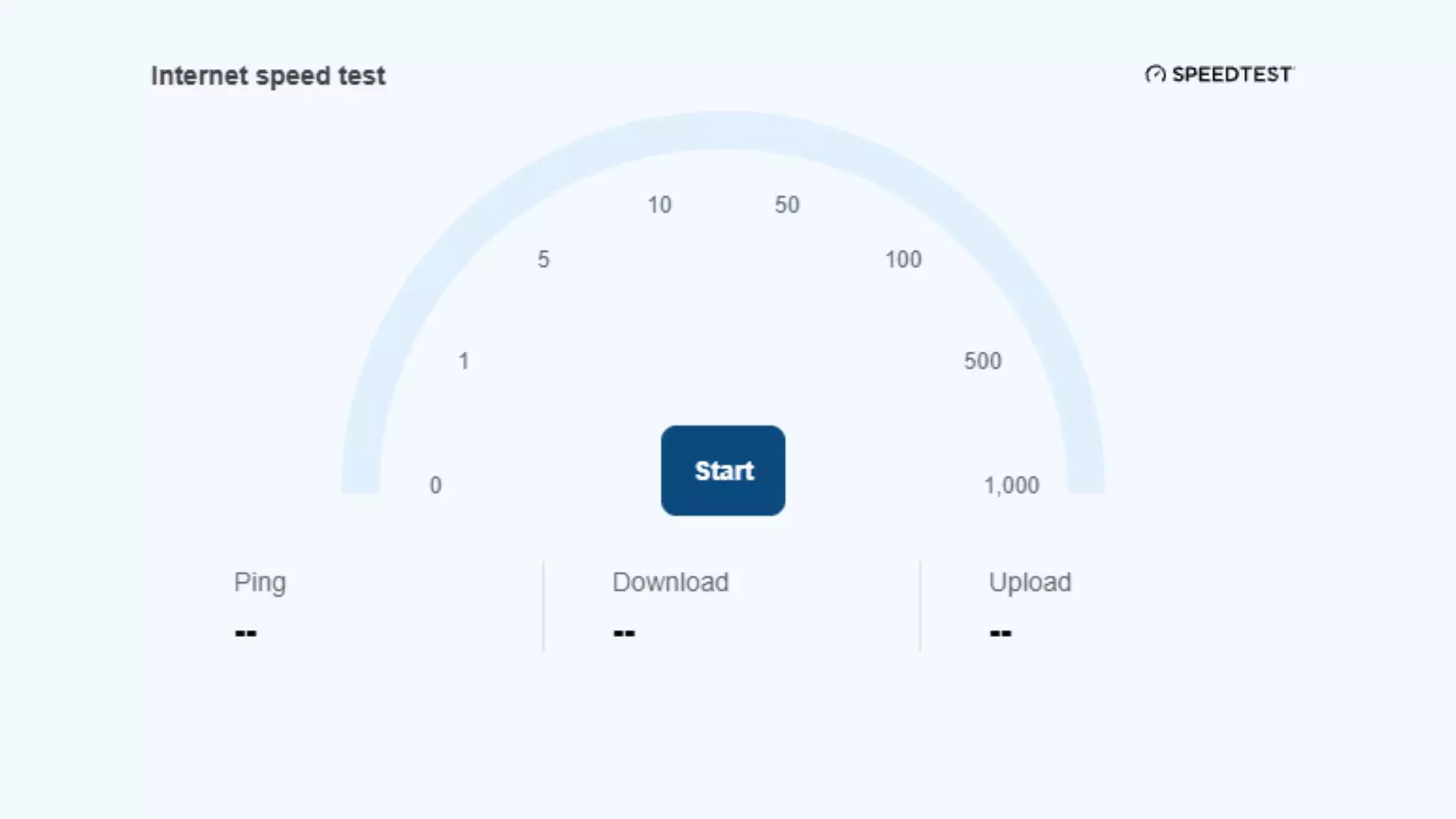
Microsoft has rolled out an exciting update for participants in the Windows 11 Insider program, integrating a native internet speed test directly into the operating system. This new functionality, available in the experimental build 26340.9767, allows users to conveniently check their internet download and upload speeds without the need to open a web browser or rely on third-party services. This enhancement significantly streamlines the process of monitoring network performance for those testing the latest Windows features.
Windows 11 Insider Build Unveils Integrated Internet Speed Test
In a significant move to enhance user convenience, Microsoft has introduced a built-in internet speed test feature within the latest Windows 11 Insider Experimental build, specifically version 26340.9767. This update allows users to bypass the traditional method of opening a web browser and navigating to a speed test website. Now, Windows Insiders can initiate a speed test directly from the Quick Settings panel or by right-clicking the network icon in the system tray and selecting “Test internet speed.” This action will promptly display both download and upload speeds.
Previously, while Windows 11 offered an option to access an internet speed test from its settings, clicking it would redirect users to a browser to run the test via Bing. This added a minor, yet often frustrating, intermediary step. The new integration eliminates this hurdle, providing a more seamless and direct user experience.
Beyond the speed test, Preview Build 26340.9767 introduces several other notable improvements. These include feature flags for easier system configuration, enhanced access to mobile phone functions within Quick Settings, a new Magnifier keyboard shortcut, and simplified access to Microsoft 365 subscriptions, alongside various other refinements.
Users interested in experiencing these early features can join the Windows Insider program through Microsoft’s official website and then update their Windows settings to receive the latest builds. It’s important to note that these experimental builds may not offer the same stability as the public release of Windows, as they are still under development and subject to changes based on user feedback. Consequently, there is no absolute guarantee that every feature introduced in the Insider builds will make its way to the final stable version of Windows 11.
However, the inclusion of a direct internet speed test is largely perceived as a welcome and uncontroversial update. Its primary benefit lies in removing unnecessary barriers to essential network information, thereby offering a more efficient diagnostic tool for end-users. This feature is poised to be particularly useful for quickly assessing internet performance or troubleshooting connectivity issues.
The integration of a native internet speed test into Windows 11 represents a thoughtful step towards improving the overall user experience, making essential system tools more accessible. This direct access can save users time and effort, whether they're checking if their new broadband plan meets expectations or simply confirming their connection speed on a given day. It highlights Microsoft's ongoing commitment to refining the operating system with practical, user-centric features, making daily computing tasks more efficient and less cumbersome. Such enhancements contribute to a more responsive and user-friendly computing environment, reflecting a positive direction for future Windows updates.
About the author
Sid Meier
Pioneering game designer known for the "Civilization" series and his philosophy on game design.